
Delta Air Lines is now leading the way with fast, stable, and in many cases completely FREE WiFi on most domestic flights. And if you’re planning to book your trip, platforms like FlightTravlo make it easy to find affordable Delta Wifi flights while also ensuring you understand exactly what WiFi options you’ll have on board.
This ultimate guide covers everything you need to know about Delta WiFi in 2025, including:

- What Delta WiFi is and how it works
- Is Delta WiFi free?
- Delta WiFi speed, coverage & streaming capability
- How to access Delta in-flight internet
- Delta long-haul WiFi options
- Delta WiFi plans & pricing
- Delta WiFi vs. other airlines
- How SkyMiles members get free WiFi
- Tips to improve your onboard connection
- Why booking through FlightTravlo can help you save
What Is Delta WiFi?

Delta WiFi is the onboard internet service offered by Delta Air Lines, allowing passengers to:
- Browse the web
- Send emails and messages
- Stream movies and music
- Join video calls (on select flights)
- Use social media
- Access work apps and cloud storage
Powered by Viasat and Gogo, two leaders in aviation WiFi, Delta has redesigned its connection to match the speed you’d expect on the ground.
Is Delta WiFi Free?
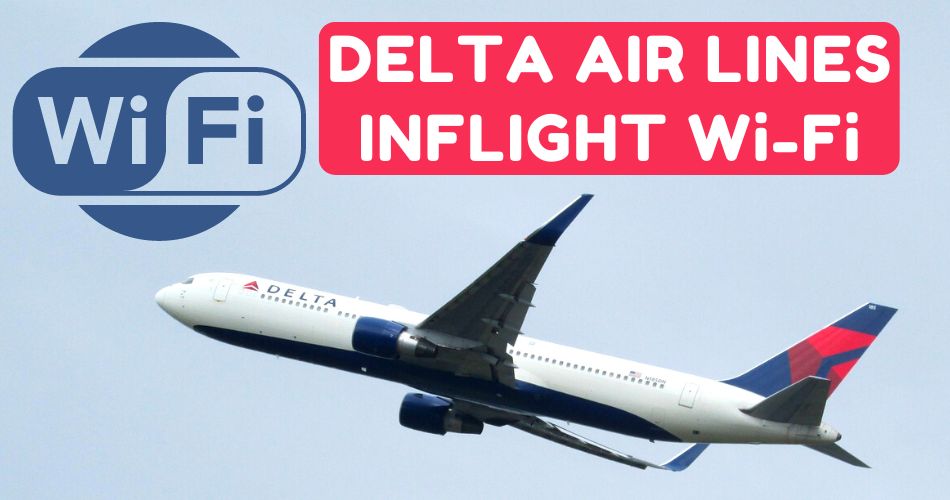
Yes! Delta WiFi is free on most domestic U.S. flights.
As long as you have a SkyMiles account, you can connect to Delta WiFi for no additional charge. This includes:
- Text messaging
- Browsing
- Social media
- Light streaming
Delta plans to expand its Free Delta WiFi program to international flights by late 2025.
Free WiFi Requirements:
- A Delta SkyMiles account
- A supported aircraft (most newer and upgraded fleets)
- A working login to the onboard WiFi portal
If you don’t want to sign up for SkyMiles, you can still purchase an internet pass.
Delta WiFi Plans and Pricing (2026)
1. Free Delta WiFi
Available on most U.S. domestic flights
Price: $0
Requires SkyMiles login
2. Delta In-Flight Day Pass
For passengers without SkyMiles
Price: $5–$10 per flight
3. Delta Monthly WiFi Plan
For frequent travelers
Price: $49.95/month
Works across all eligible Delta aircraft
4. Delta International WiFi Pass (Limited Aircraft)
Price: $15–$28 per flight
Coverage expanding in 2025
How Fast Is Delta WiFi?
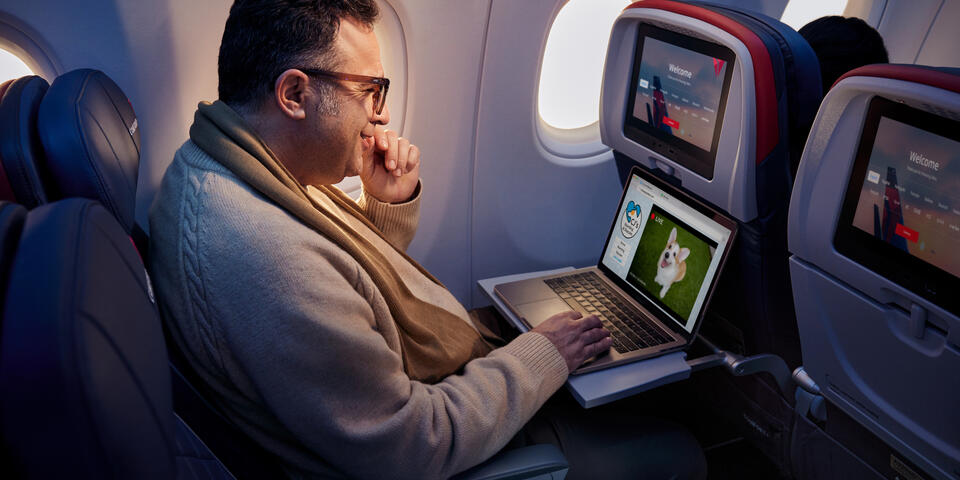
Delta WiFi speeds vary depending on the aircraft and provider:
Viasat-equipped aircraft (fastest)
- 15–30 Mbps average
- Supports Netflix, Spotify, YouTube, Zoom, and video calls
- Strong performance even during peak usage
Gogo-equipped aircraft (older but improving)
- 5–10 Mbps average
- Great for browsing, emails, messaging
- Limited for HD streaming
Delta expects to convert 70% of its fleet to Viasat by early 2026.
How to Connect to Delta WiFi (Step-by-Step Guide)

- Enable Airplane Mode
- Turn on WiFi
- Connect to the network:
“DeltaWiFi.com” or “DeltaWifi” - A landing page will open automatically. If not, visit:
www.deltaWiFi.com - Sign in with your SkyMiles account to access free WiFi
- If you’re not a member, you can purchase a pass
That’s it—you’re online!
What You Can Do on Delta WiFi

Delta’s upgraded internet allows you to:
Send emails
Upload/download files
Access Google Workspace, Slack, Teams
Join Zoom or Meet calls on Viasat aircraft
Delta WiFi on International Flights

Currently, Delta international WiFi is not free on most routes, but coverage is expanding.
International WiFi details:
- Costs range from $15–$28 per flight
- Long-haul planes are being upgraded
- Full rollout of Free Delta WiFi internationally expected by 2025–2026
If you’re flying abroad, check WiFi availability during booking—especially if you book through platforms like FlightTravlo, which provide updated aircraft details.
Delta WiFi vs. Other Airline WiFi
| Airline | Free WiFi | Speed | Best For |
|---|
| Delta | Yes (most flights) | Fast (Viasat) | Streaming, business, social |
| United | No (texting only) | Moderate | Messaging |
| American Airlines | Limited | Fast (Viasat) | Domestic streaming |
| Emirates | Yes for Skywards | Fast | Long-haul travel |
| Qatar | 1 hour Only | Moderate | Browsing |
Delta stands out because they offer FREE unlimited WiFi—something most U.S. airlines don’t.
How FlightTravlo Helps You Save on Delta Flights

FlightTravlo is becoming a popular platform for travelers who want:
- Discounted Delta Airlines tickets
- Updated flight information
- Aircraft details (including WiFi compatibility)
- Multi-city booking options
- 24/7 support
By booking with FlightTravlo, passengers can quickly see whether:
- Their Delta flight includes free WiFi
- The aircraft is Viasat-equipped
- Streaming and work apps will function properly
For budget-conscious travelers, combining cheap Delta flights with free Delta WiFi makes flying affordable and productive.
Tips to Get the Best WiFi Experience on Delta Flights
Here are easy ways to speed up your connection:
1. Download heavy files before flying
This prevents slow uploads during flight.
2. Log into SkyMiles before takeoff
Avoid portal delays.
3. Close background apps
Reduces data load.
4. Choose morning flights
Less passenger usage = better speeds.
5. Choose Viasat-equipped aircraft
You’ll enjoy faster streaming capability.
6. Use FlightTravlo to check aircraft type before booking
Helps you select routes with better WiFi.
Common Problems and Fixes
WiFi not connecting?
- Turn WiFi off/on
- Restart phone or laptop
- Visit www.DeltaWiFi.com manually
Slow WiFi?
Avoid large downloads
Disconnect unnecessary devices
Turn off VPN
Portal not loading?
- Try a different browser
- Clear cached WiFi networks
Final Thoughts
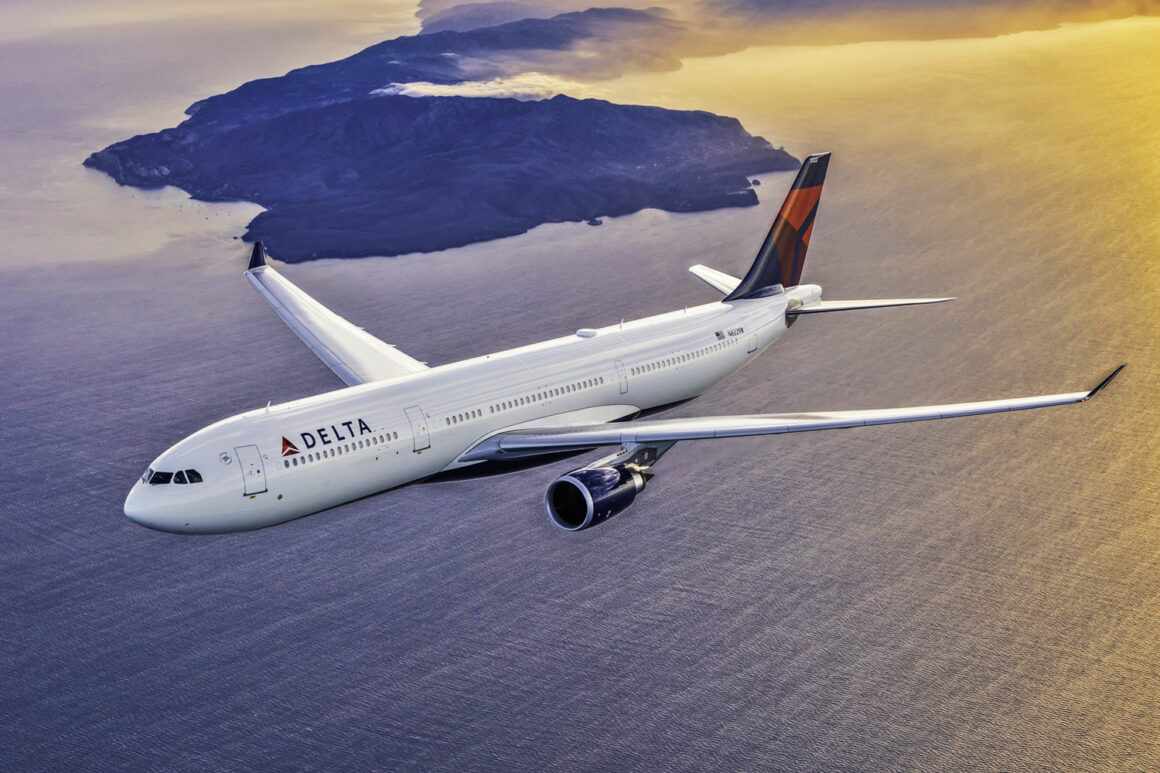
Delta has transformed air travel by offering fast, reliable, and often FREE WiFi, putting them ahead of many global competitors. Whether you’re flying for work or fun, you can stay connected from takeoff to landing—with speeds strong enough for streaming, messaging, social media, and even video calls.
If you want to plan your trip with ease and grab the best Delta flight deals, platforms like FlightTravlo make it simple to find affordable fares while checking the WiFi availability on each aircraft.
FAQ
1. Does Delta Airlines offer WiFi on all flights?
Most Delta aircraft offer onboard WiFi, including domestic and many international routes. However, availability can vary depending on aircraft type and flight destination.
2. Is Delta WiFi free for passengers?
Delta offers free WiFi for SkyMiles members on most domestic flights. On long-haul international routes, paid WiFi plans may still apply. Always check the latest details before boarding.
3. How fast is Delta’s in-flight WiFi?
Delta uses high-speed satellite technology capable of supporting browsing, messaging, streaming, and email. The speed can vary based on aircraft, weather, and network congestion.
4. Can I stream Netflix or YouTube using Delta WiFi?
Yes, on flights equipped with Delta’s high-speed satellite network, streaming platforms generally work. However, connection stability may vary depending on the route.
5. How do I connect to Delta WiFi during the flight?
Turn on Airplane Mode, connect to the onboard “DeltaWiFi” network, open your browser, and follow the connection instructions that appear on screen.